

 FreshBooks® alternative
Leave the monthly fee behind.
Bring your FreshBooks books to desktop software you buy once and keep using.
One-time purchase from $349 · 30-day money-back guarantee · Windows, macOS and Linux
Solid Accounting Desktop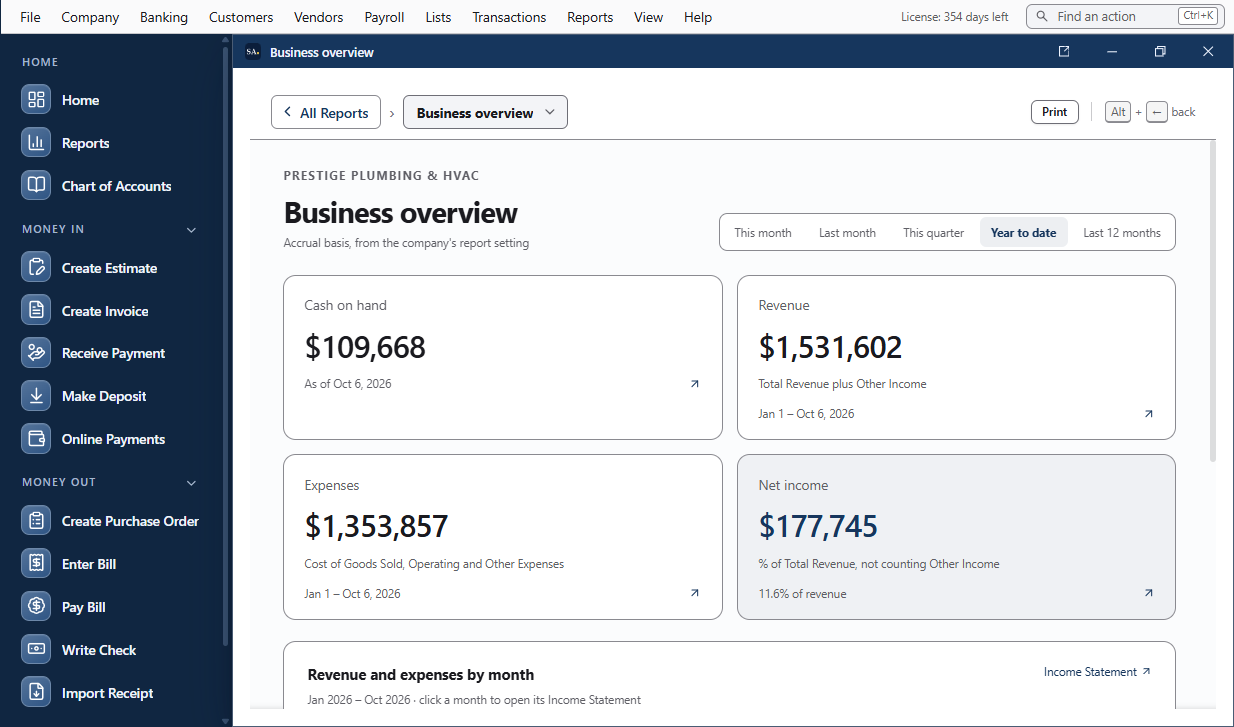
What changes when you switch
The difference is whether another payment is required to keep using your books. With Solid Accounting it isn’t.
- One purchase. Standard is $349 one time, with year 1 of Updates & Cloud Services included.
- Renewal is optional. Stop paying and the version you bought keeps working. New releases, bank feeds, encrypted cloud backup from Solid Accounting, and Cloud Invoicing need Updates & Cloud Services; your existing cloud backups stay restorable.
- Your company file stays on your computer. Store, back up, move, and archive it on storage you control.
Moving your books from FreshBooks
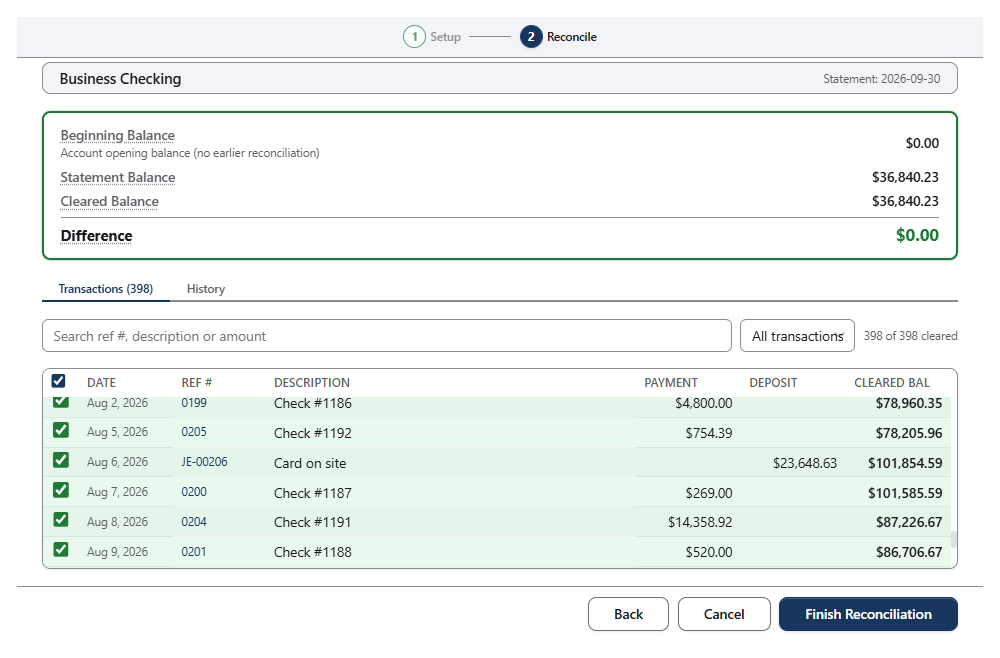
FreshBooks doesn’t give you a company file to take away, so the move is a cutover: pick a date, enter your opening balances, and import bank and card activity from that date on. The FreshBooks guide walks through it.
Pick a cutover date
Save your FreshBooks trial balance, balance sheet, and agings as of that date.
Enter opening balances
Set up the chart of accounts and enter balances from that trial balance.
Import activity
Bring in bank and card activity from CSV, OFX, QFX, or IIF files and PDF statements, then check the trial balance.
Switching, answered
What does FreshBooks do well?
FreshBooks is especially strong for service businesses that lead with invoicing, online payments, time tracking, and client communication. If those workflows are the center of the job, it may be the better fit.
Why compare FreshBooks Plus?
Plus is the practical accounting comparison because it includes double-entry reports, bank reconciliation, and accountant access. We do not use the lowest tier when it omits core comparison features.
Is Solid Accounting simply a cheaper FreshBooks?
No. It's a different way of working: a native desktop app, your company file on your own computer, a one-time purchase, and optional Updates & Cloud Services. Choose on how you want to work, not price alone.
Can I move my existing books?
Yes, as a cutover. FreshBooks doesn't give you a company file to take away, so you pick a cutover date, enter opening balances from its trial balance in Company → Opening Balances…, then import bank and card activity from that date on with File → Import → Import Transactions…. Your FreshBooks account isn't changed.
Also comparing: QuickBooks Online · Xero · All migration paths

Keep the version you bought.
Buy Solid Accounting once from $349 and keep using the version you bought. Renew Updates & Cloud Services when you want new releases and connected services. 30-day free trial. 30-day money-back guarantee.
One-time purchase · 30-day free trial · Windows, macOS and Linux