

 Desktop, not a browser tab
Everything you love about cloud-based accounting minus the never-ending monthly subscription.
A native app that keeps your company file on your computer, with bank feeds, Cloud Invoicing and cloud backup there when you want them.
From $349, one time · Windows, macOS and Linux
Solid Accounting Desktop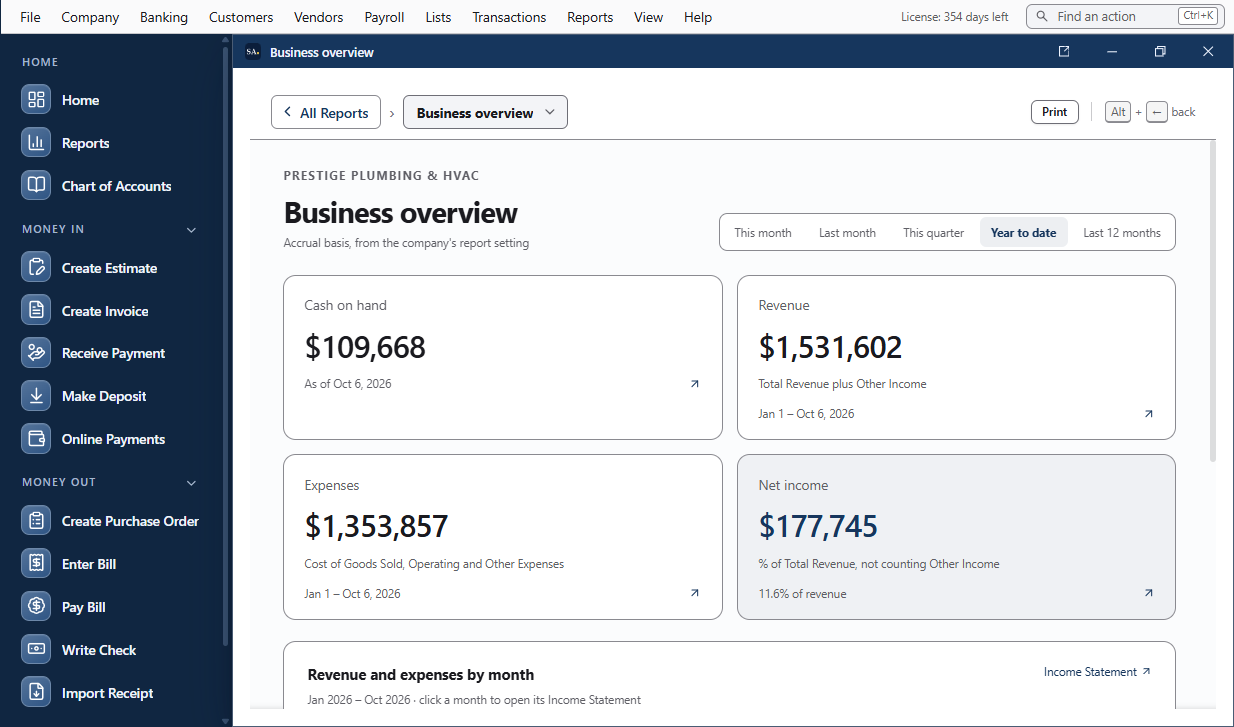 Solid Accounting Desktop
Why keep the books on your desktop.
A native app on your own computer, not a page on someone else’s server.
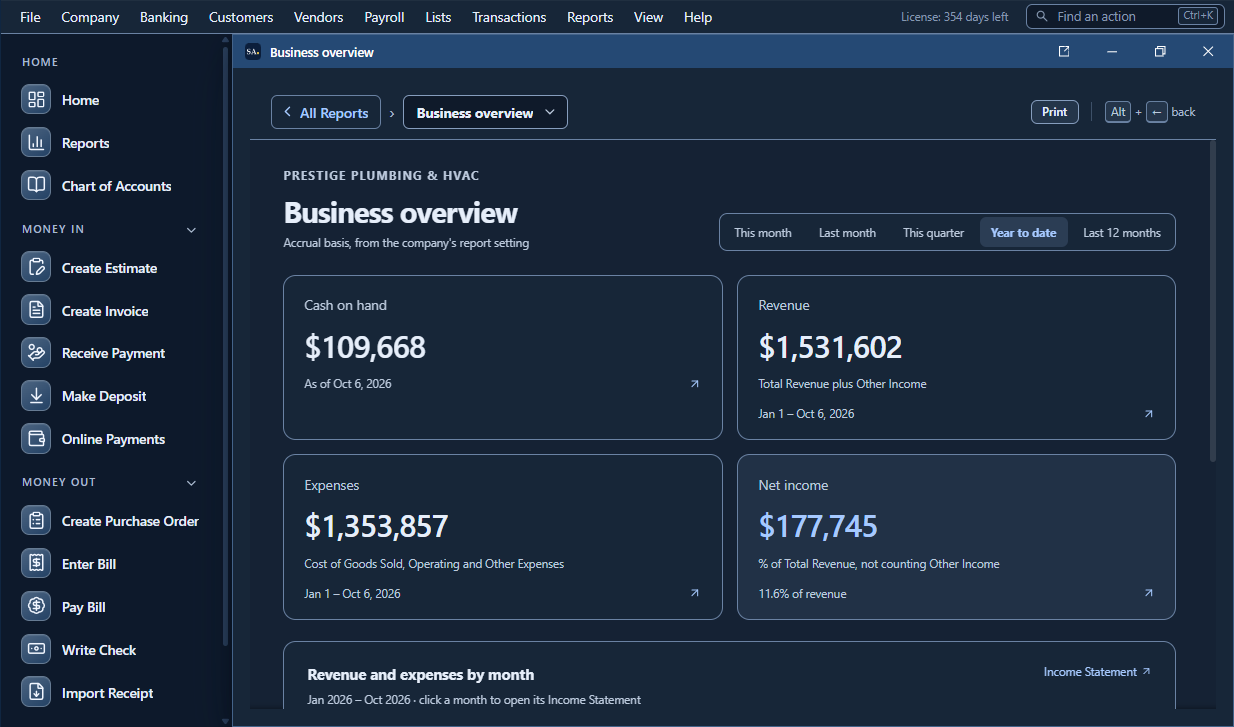
Fast on your own computer
A native app runs on your hardware, not a shared server. Long registers and big reports open on your machine, without waiting on someone else’s data center.
Without a continuous connection
Enter transactions, reconcile and run reports from the company file on disk. Someone else’s outage doesn’t stop the day’s bookkeeping. Bank feeds, cloud backup and online invoicing need internet when they run.
A company file you control
Your company data is stored on your computer by default. Copy it, back it up, archive it, or hand it to your accountant. What leaves your computer, and when →
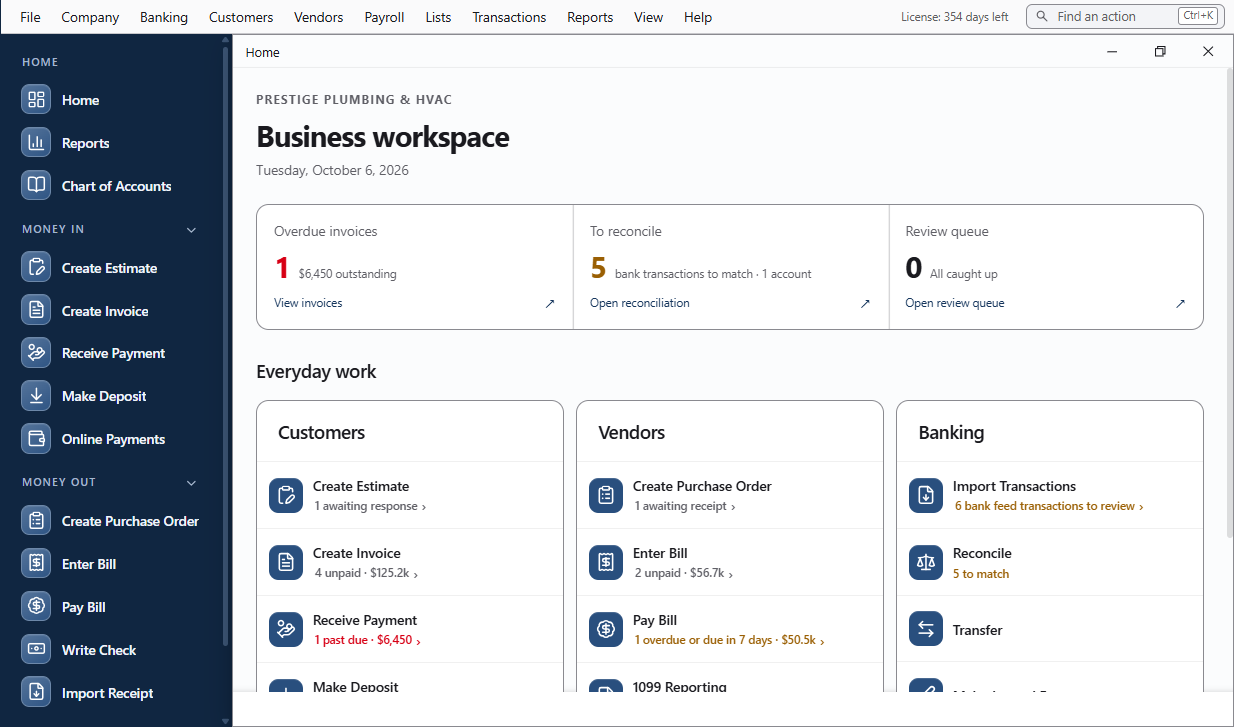
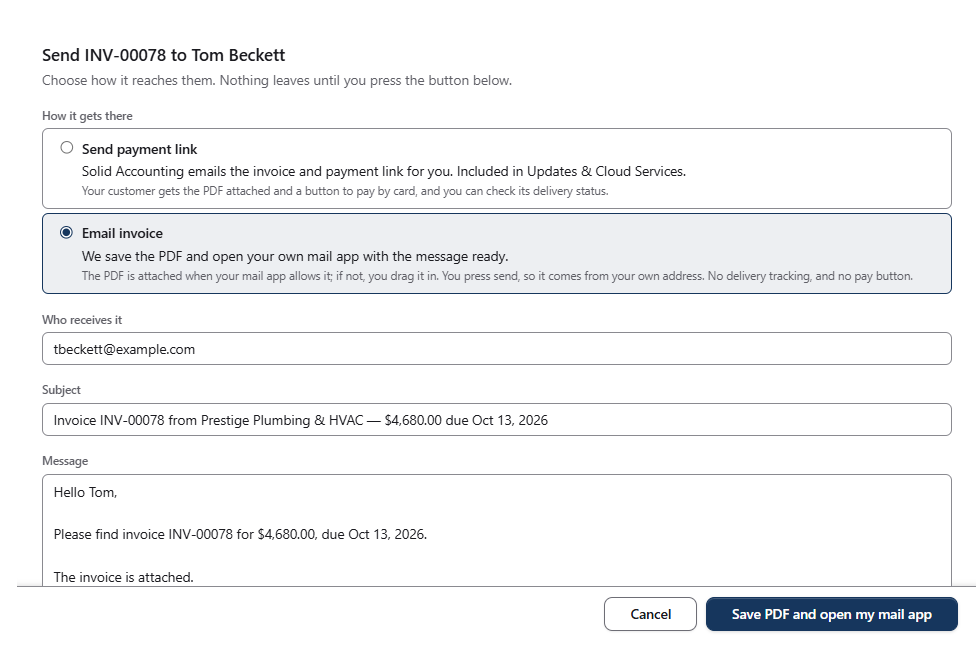
Bank feeds, invoicing and cloud backup from a desktop app.
They come with Updates & Cloud Services: year 1 included, then optional. Turn each one on when you want it.
- Bank feedsBank and card transactions come in automatically (3 / 5 / 10 bank logins by tier). CSV, OFX, QFX and PDF statement import works with or without Updates & Cloud Services.
- Cloud InvoicingInvoice emails carry a link your customer opens to view the invoice online. Card payments on invoices are coming soon. Customers will pay through your own PayPal, Stripe or Square account; we never process or hold your money.
- Back up where you chooseLocal copies, your own cloud storage, or encrypted cloud backup with Solid Accounting Updates & Cloud Services (3 / 5 / 10 GB), encrypted on your computer before it leaves.
Several people, one company file.
The owner, bookkeeper and accountant are named users, each with their own sign-in and role: Admin, Bookkeeper, Accountant or Read Only. Each change is recorded in the Audit Trail under the person who made it.
One computer
Up to 3 named users on one computer, each with their own sign-in. For an owner-run business, such as you and a part-time bookkeeper. Standard has no host mode.
Host mode: share across your office network
Share the company file with other computers on your network (up to 5 / 10 named users). For an office where several people work at their own desks. Accountant includes everything in Professional.
How host mode works · Professional and Accountant
One computer hosts
The computer that holds the company file shares it on your office network. Keep it on while others work.
Others pair once
Each other computer pairs with a one-time code. The connection is encrypted, and only paired computers can connect.
Everyone works in one file
Changes appear on everyone’s screen as they happen. The host keeps the only copy, so there is nothing to sync.
Working from home or another office? Connect to the host over a VPN such as Tailscale or WireGuard. Setting up multi-user →

Put the books on a computer you control.
Buy Solid Accounting once from $349 and keep using the version you bought. Renew Updates & Cloud Services when you want new releases and connected services. 30-day free trial. 30-day money-back guarantee.
Windows, macOS and Linux · One-time purchase · Optional Updates & Cloud Services